
Last updated: August 2026
Choosing the best antivirus software in 2026 is about much more than detecting traditional computer viruses. Modern threats include ransomware, phishing, spyware, malicious websites, dangerous downloads and increasingly sophisticated online scams.
Today’s antivirus programs have evolved into complete security solutions that can protect your computer, files, browser and personal information. Our guide to the best antivirus software in 2026 focuses on security, performance, features, and overall value.
We compared leading antivirus solutions based on malware protection, security features, performance, ease of use, device compatibility and overall value. How We Tested the Best Antivirus Software in 2026
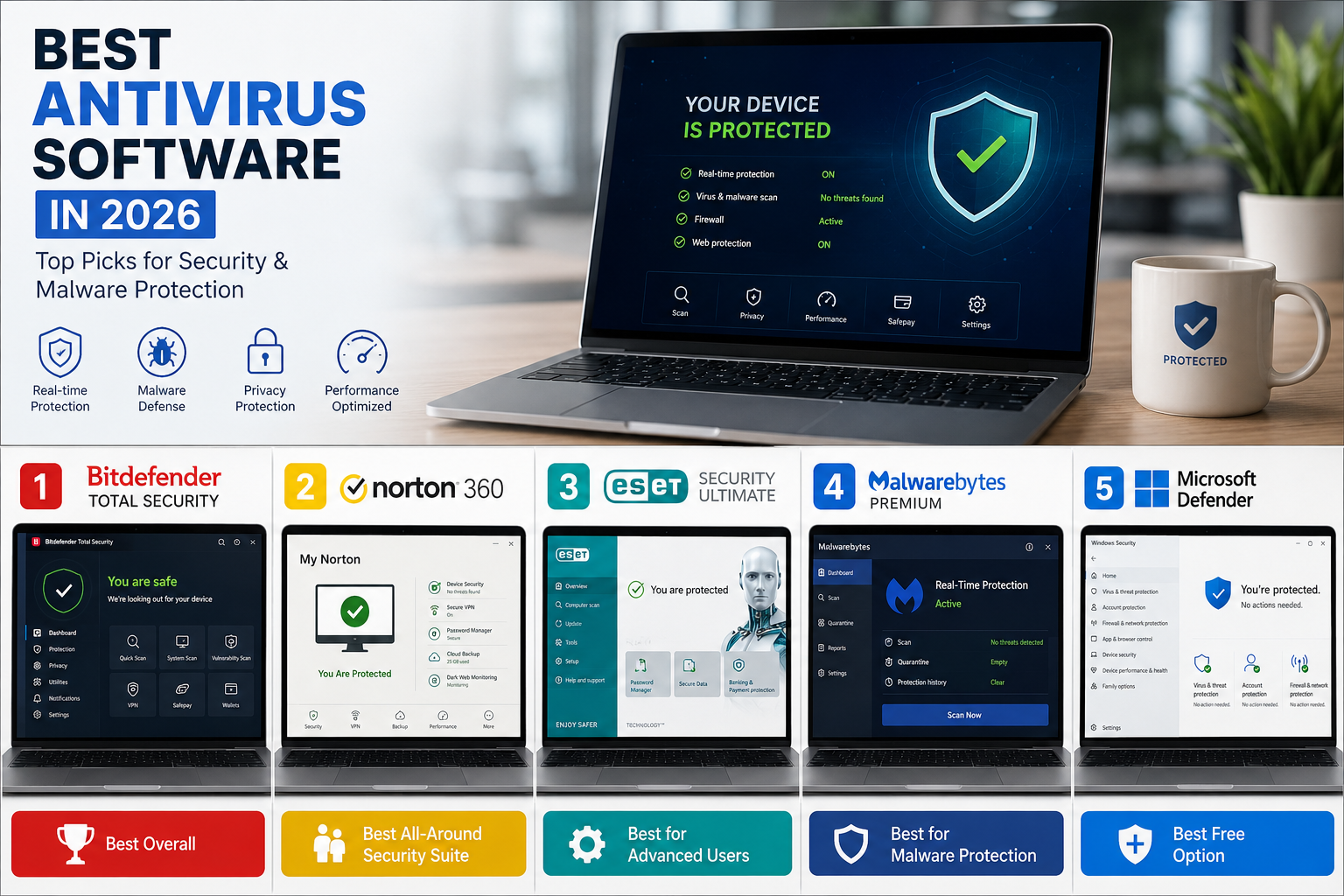
Quick Comparison: Best Antivirus Software in 2026
| Antivirus | Best For | Windows | Mac | Free Option |
|---|---|---|---|---|
| Bitdefender Total Security | Best Overall | Yes | Yes | Limited |
| Norton 360 | Best All-Around | Yes | Yes | Trial |
| ESET Security Ultimate | Advanced Users | Yes | Yes | Limited |
| Malwarebytes Premium | Malware Protection | Yes | Yes | Free Scanner |
| Microsoft Defender | Best Free Option | Yes | No | Yes |
1. Bitdefender Total Security — Best Antivirus Overall
Bitdefender Total Security — Official Website
Bitdefender Total Security is our top choice for most people looking for the best antivirus software in 2026.
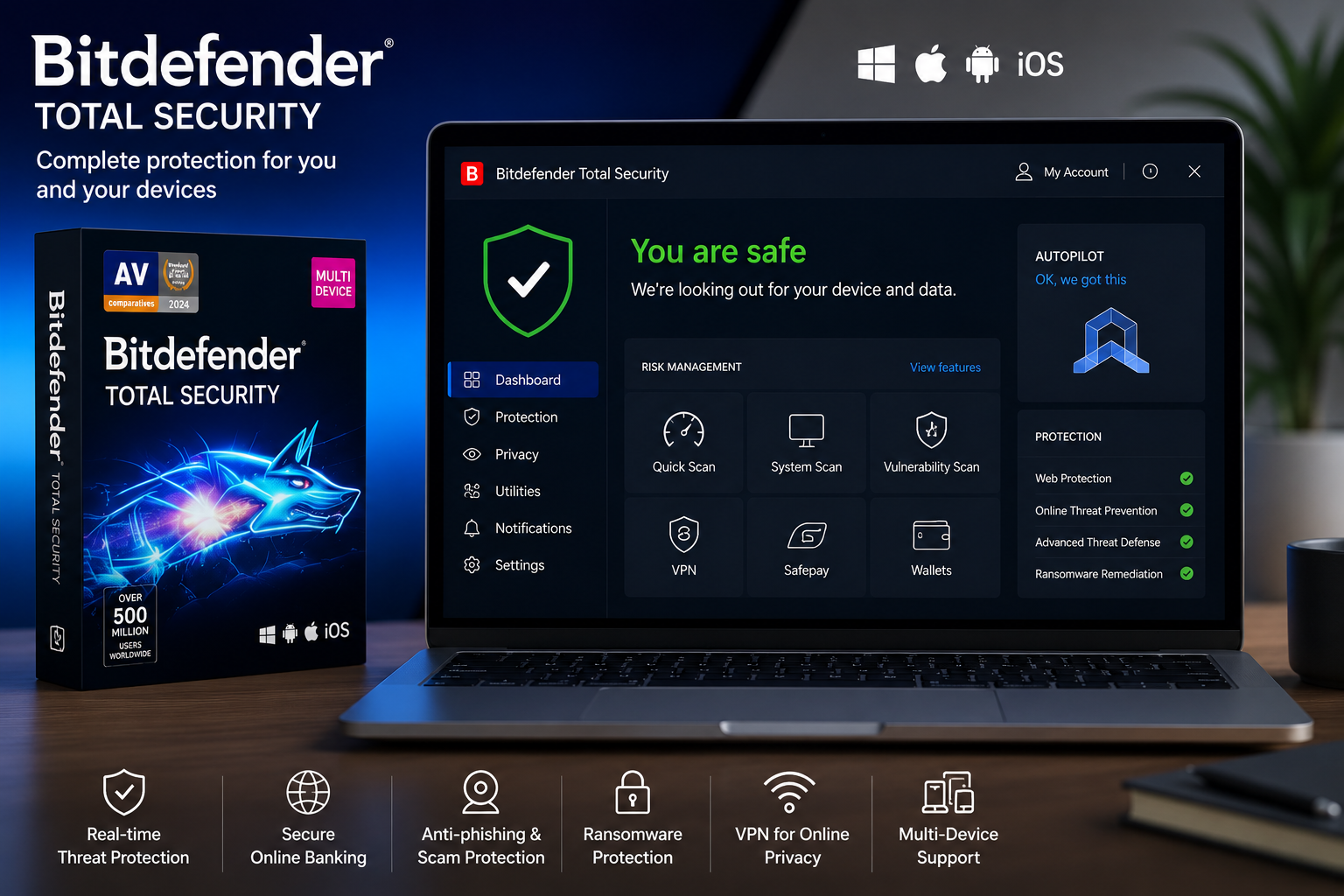
It combines strong malware protection with a clean interface and a broad range of security features. This makes it suitable for users who want comprehensive protection without spending hours configuring their security software.
Bitdefender provides protection against viruses, ransomware, spyware, phishing attempts, malicious websites and other online threats.
Key Features
- Real-time malware protection
- Ransomware protection
- Anti-phishing protection
- Anti-fraud tools
- Secure online banking protection
- Privacy features
- Multi-device support
- Performance optimization tools
Pros
- Excellent malware protection
- Strong balance between security and performance
- Large selection of security features
- Easy enough for beginners
- Multi-platform support
Cons
- Some features require higher-tier plans
- The large number of features can initially feel overwhelming
Best For
Users who want strong overall protection without complicated configuration.
Our Rating: 9.7/10
2. Norton 360 — Best All-Around Security Suite
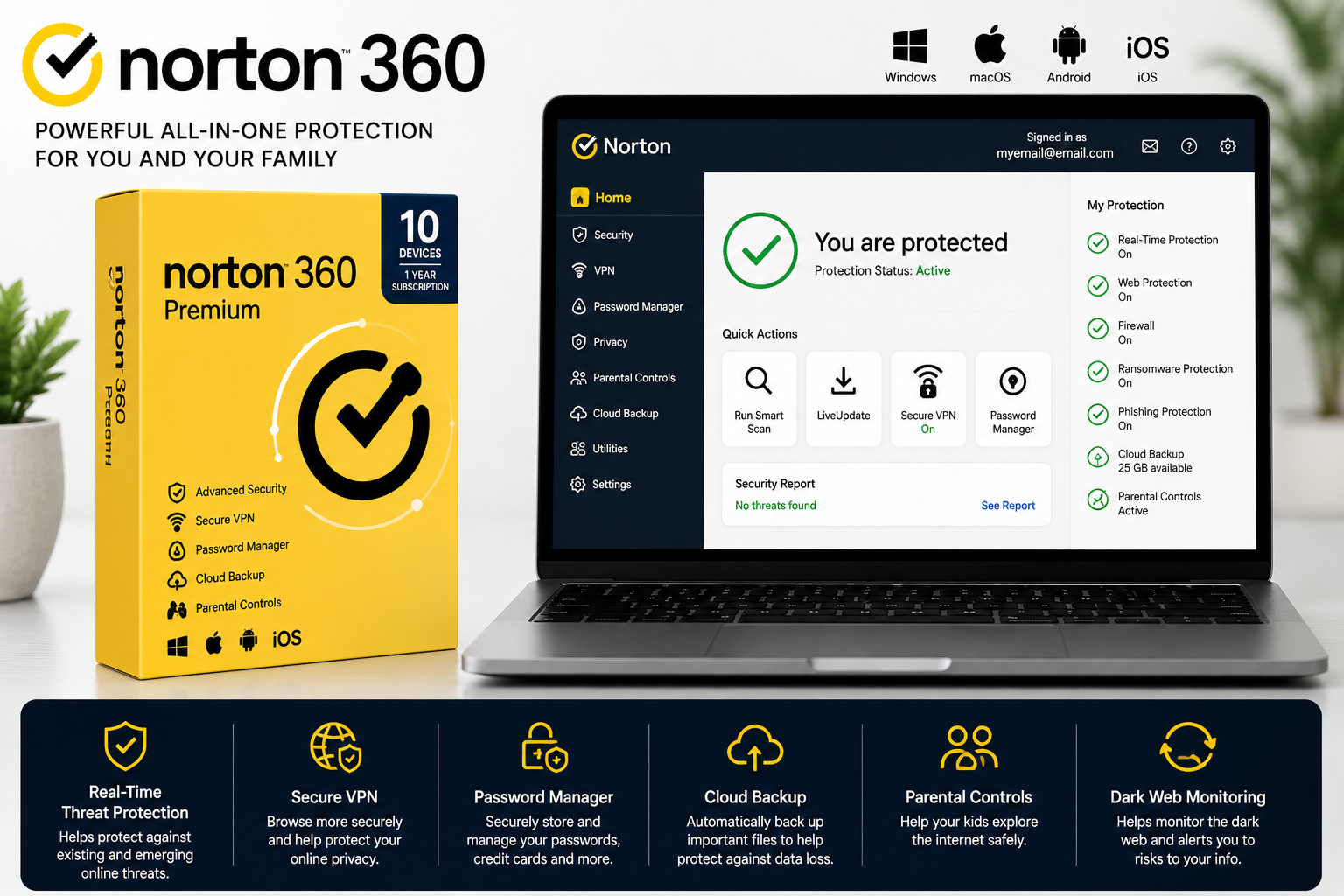
Norton 360 is one of the most complete security packages available to consumers.
Instead of focusing only on malware detection, Norton combines antivirus protection with additional privacy and security tools.
Depending on the subscription, Norton can include a VPN, password manager, cloud backup, parental controls and identity monitoring features.
This makes Norton particularly attractive to families and users who prefer having multiple security tools inside one subscription.
Key Features
- Real-time antivirus protection
- Ransomware protection
- Web protection
- Firewall
- Password manager
- VPN on selected plans
- Cloud backup on selected plans
- Dark web monitoring on selected plans
- Parental controls on selected plans
Pros
- Strong overall protection
- Excellent feature selection
- Easy to use
- Useful privacy tools
- Good option for families
Cons
- Many features depend on the subscription tier
- Some users may not need all the additional tools
Best For
Families and users who want an all-in-one security package.
Our Rating: 9.5/10
3. ESET Security Ultimate — Best for Advanced Users
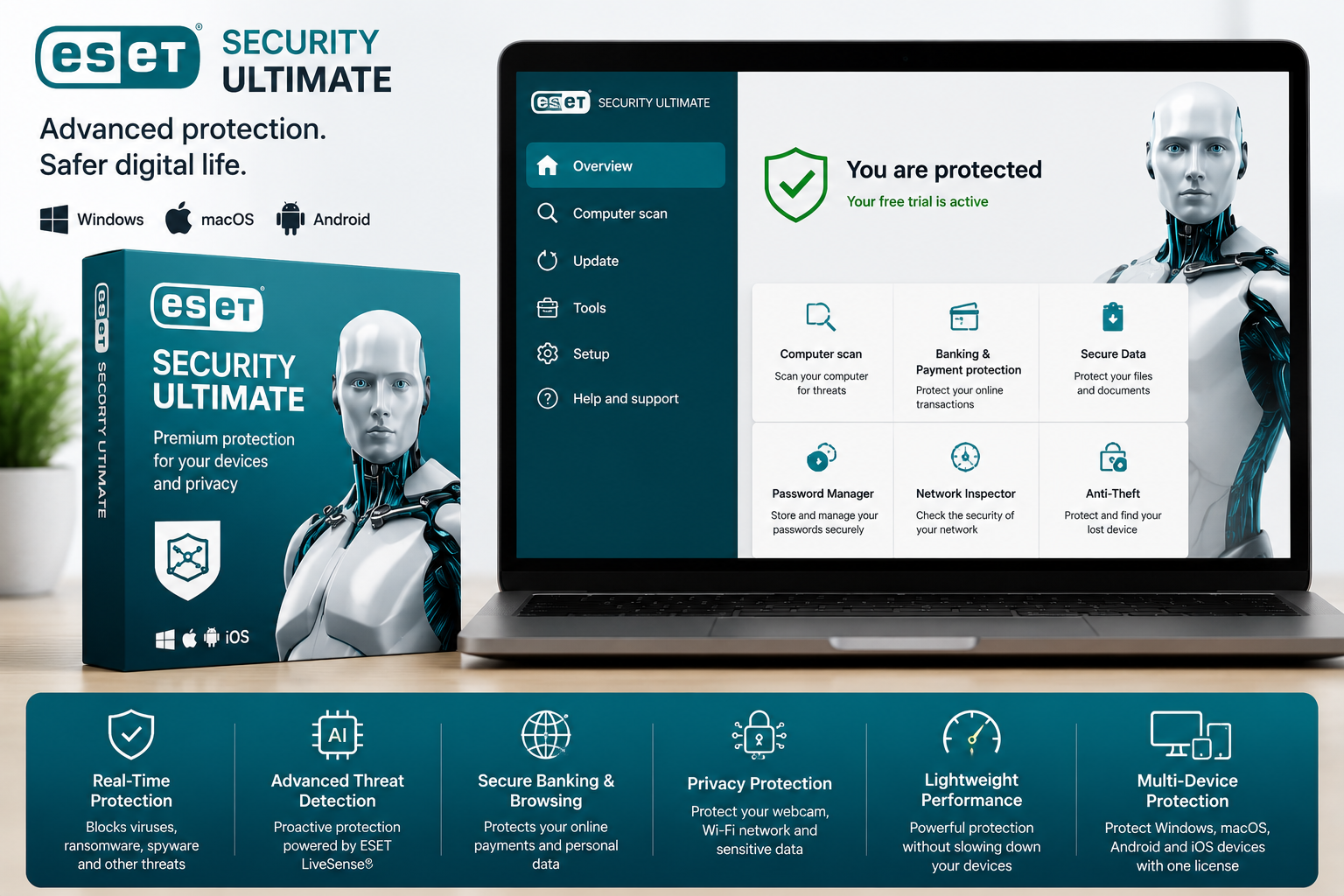
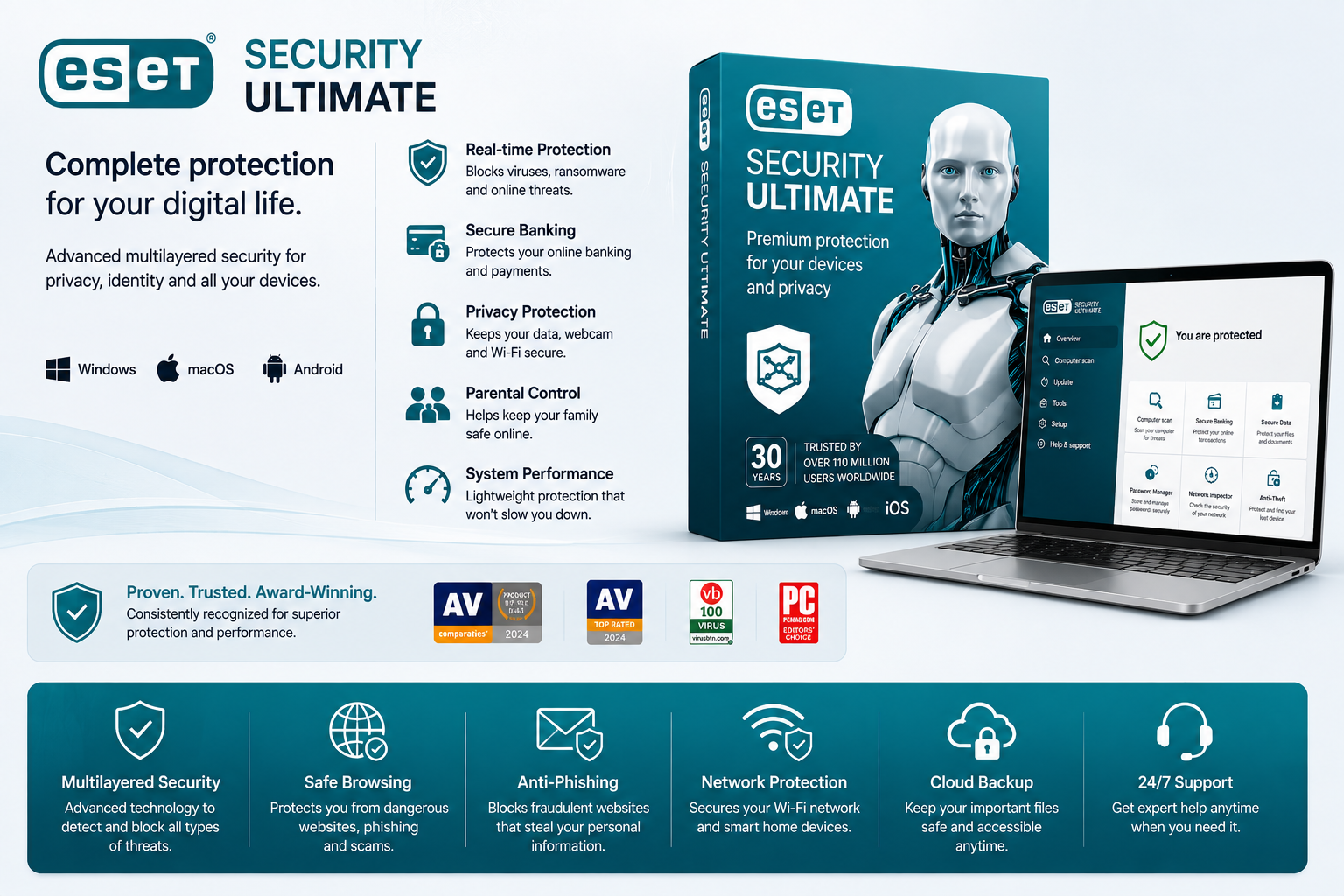
ESET Security Ultimate is an excellent choice for users who want strong protection combined with more advanced controls.
ESET has built a strong reputation for lightweight security software that does not unnecessarily slow down the computer.
The software is particularly attractive to experienced users who want greater control over security settings.
Key Features
- Real-time malware protection
- Ransomware protection
- Anti-phishing protection
- Advanced threat detection
- Network protection
- Secure banking protection
- Privacy protection
- Advanced configuration options
Pros
- Lightweight
- Strong security reputation
- Advanced controls
- Good performance
- Excellent for experienced users
Cons
- May be less beginner-friendly
- Some advanced features require higher-tier plans
Best For
Experienced users who want detailed control over their security software.
Our Rating: 9.2/10
4. Malwarebytes Premium — Best for Malware Protection
Malwarebytes — Official Website
Malwarebytes is one of the best-known names in malware detection and removal.
The software is particularly useful for users concerned about malicious websites, potentially unwanted programs and threats that traditional antivirus software may not always detect immediately.
Malwarebytes Premium provides real-time protection while also offering tools designed to identify and remove malware.
Key Features
- Real-time malware protection
- Web protection
- Ransomware protection
- Exploit protection
- Detection of potentially unwanted programs
- Malware removal tools
Pros
- Strong malware detection
- Simple interface
- Good malware cleanup capabilities
- Lightweight design
Cons
- Fewer all-in-one features than some competitors
- The most advanced protection requires Premium
Best For
Users who prioritize malware detection and removal.
Our Rating: 9.0/10
5. Microsoft Defender — Best Free Antivirus for Windows
Microsoft Defender — Official Information
Microsoft Defender has changed significantly over the years.
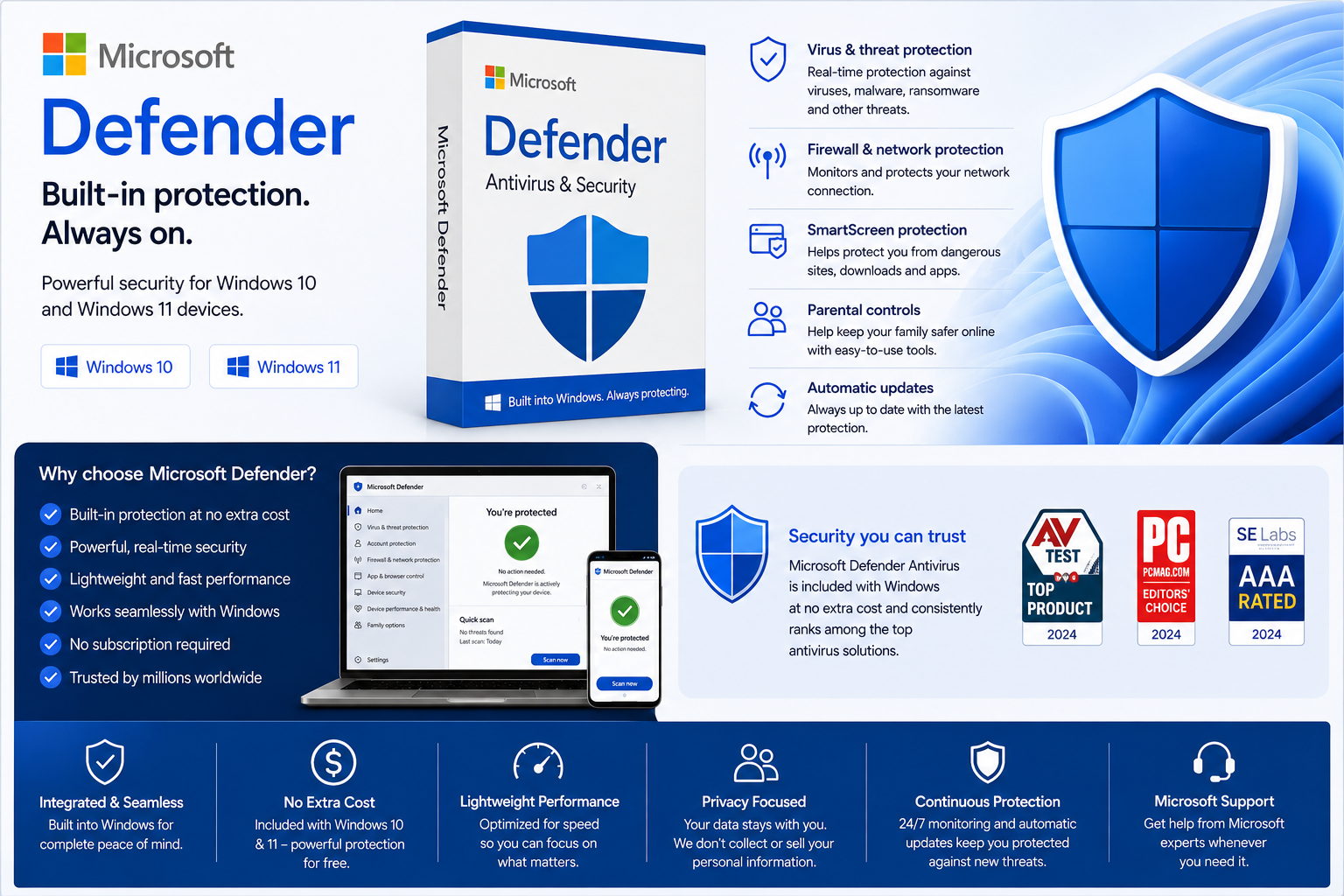
For Windows users, Defender provides built-in antivirus protection without requiring a separate security subscription.
That makes it an excellent choice for users who want basic protection without paying for additional software.
Microsoft Defender provides real-time protection and integrates directly with Windows Security.
Key Features
- Real-time protection
- Malware detection
- Cloud-based protection
- Firewall integration
- Web protection
- Windows Security integration
Pros
- Free
- Already included with Windows
- No separate installation required
- Strong baseline protection
- No additional subscription required
Cons
- Fewer advanced features than premium security suites
- Some additional privacy and identity features require separate services
Best For
Windows users who want solid basic protection without paying for antivirus software.
Our Rating: 8.8/10
What Should You Look for in Antivirus Software?
The best antivirus software in 2026 should do much more than scan files for traditional viruses.
Here are the most important factors to consider.
1. Malware Protection
The most important function of antivirus software is its ability to detect and block malicious software.
A good antivirus should protect against:
- Viruses
- Trojans
- Ransomware
- Spyware
- Rootkits
- Malicious downloads
- Potentially unwanted programs
Independent testing is useful when comparing antivirus products because it allows consumers to see how different security solutions perform under controlled conditions.
2. Real-Time Protection
Real-time protection monitors files, applications and websites while you use your device.
Preventing malware from executing is generally much better than discovering an infection after it has already caused damage.
3. Phishing Protection
Phishing attacks attempt to trick users into providing passwords, banking information or other sensitive data.
Modern antivirus software can identify suspicious websites and warn users before they interact with potentially dangerous pages.
4. Ransomware Protection
Ransomware can encrypt important files and demand payment from the victim.
Modern antivirus products increasingly include dedicated ransomware protection designed to detect suspicious applications attempting to modify large numbers of files.
5. Performance
Security software should protect your computer without noticeably slowing it down.
The best antivirus programs are designed to run quietly in the background while using system resources efficiently.
6. Ease of Use
A security product can have hundreds of features, but that does not necessarily make it better.
For most people, the best antivirus is one that provides strong protection automatically and makes important warnings easy to understand.
7. Device Compatibility
Before purchasing antivirus software, check which devices are supported.
Some products protect Windows PCs, Macs, Android devices and iPhones, while others are primarily designed for Windows.
Do You Still Need Antivirus Software in 2026?
For Windows users, the answer depends on how they use their computer.
Microsoft Defender provides a strong baseline of protection and is already included with modern versions of Windows.
However, premium antivirus products can provide additional features such as:
- Advanced ransomware protection
- Password managers
- VPNs
- Identity monitoring
- Parental controls
- Secure banking tools
- Privacy protection
- Cloud backup
Therefore, paying for antivirus software makes the most sense when you actually need these additional features.
Free vs. Paid Antivirus
Free Antivirus
Free antivirus protection can be enough for users who:
- Mostly browse trusted websites
- Keep Windows updated
- Do not download unknown software
- Do not need advanced privacy features
- Want basic malware protection
Microsoft Defender is particularly attractive because it is already integrated into Windows.
Paid Antivirus
Premium security software is more useful for people who:
- Use multiple devices
- Manage family computers
- Frequently download files
- Want advanced ransomware protection
- Need privacy tools
- Want a VPN or password manager
- Want centralized security controls
- Need additional identity protection
How We Evaluated Antivirus Software
We evaluated antivirus products using several criteria:
- Malware protection
- Real-world protection
- Ransomware protection
- Phishing protection
- Performance
- Ease of use
- Privacy features
- Device compatibility
- Additional security tools
- Overall value
The goal was not simply to identify the product with the highest laboratory score.
The best antivirus should combine strong protection with good performance, useful features and an interface that ordinary users can understand.
We also considered independent security testing and the overall reputation of each product.
Antivirus vs. VPN: What’s the Difference?
Antivirus software and VPNs solve different security problems.
An antivirus protects your device from malicious software such as viruses, ransomware and spyware.
A VPN primarily protects your internet connection and can improve privacy by routing your traffic through a VPN server.
A VPN does not replace antivirus software, and antivirus software does not replace a VPN.
For a more detailed comparison of VPN services, see our guide to Best VPNs in 2026: Top Picks for Privacy & Speed.
Using both technologies can provide broader protection than relying on either one alone.
Antivirus vs. Password Manager
A password manager solves another important security problem.
Instead of protecting your computer from malware, a password manager helps you create and securely store unique passwords.
This reduces the risk associated with reusing the same password across multiple websites.
For a deeper look at password security, see our guide to Best Password Managers in 2026: Tested & Compared.
A strong security setup can therefore include several different tools:
- Antivirus for malware protection
- A VPN for connection privacy
- A password manager for account security
- Two-factor authentication for additional account protection.Choosing the best antivirus software in 2026 depends on your devices, security needs, and budget.
How to Improve Your Online Security Without Spending More
You do not necessarily need the most expensive security package to improve your online security.
Keep Your Software Updated
Operating system and application updates frequently contain important security fixes.
Use Strong, Unique Passwords
Avoid using the same password on multiple websites. A password manager can make this much easier.
Enable Two-Factor Authentication
Two-factor authentication adds another layer of protection even if someone discovers your password.
Be Careful With Links
Do not automatically trust links received through email, social media or messaging applications.
Back Up Important Files
Regular backups can reduce the damage caused by ransomware, hardware failure or accidental deletion.
Use Antivirus Protection
Keep your antivirus software enabled and make sure real-time protection is active.
Our Final Verdict
For most users, Bitdefender Total Security is the best antivirus software in 2026 because it combines excellent protection, a strong feature set and relatively simple operation.
Norton 360 is an excellent alternative for families and users who want an all-in-one security suite.
ESET Security Ultimate is better suited to experienced users who want more control and advanced configuration options.
Malwarebytes Premium is a strong choice for users who prioritize malware detection and removal.
For Windows users who do not want to pay for antivirus software, Microsoft Defender remains an impressive free option.
The most important thing is not simply choosing the most expensive security package. Keeping your operating system updated, using unique passwords, enabling two-factor authentication, backing up important files and being careful with suspicious links can all make a significant difference.
Final Ranking
| Rank | Antivirus | Best For | Rating |
|---|---|---|---|
| 1 | Bitdefender Total Security | Best Overall | 9.7/10 |
| 2 | Norton 360 | Best All-Around Security | 9.5/10 |
| 3 | ESET Security Ultimate | Advanced Users | 9.2/10 |
| 4 | Malwarebytes Premium | Malware Protection | 9.0/10 |
| 5 | Microsoft Defender | Best Free Option | 8.8/10 |
Frequently Asked Questions
Is antivirus software still necessary in 2026?
Yes. Antivirus protection remains useful in 2026. Windows includes Microsoft Defender, but premium antivirus products can provide additional security and privacy features.
What is the best antivirus software in 2026?
Bitdefender Total Security is our top overall choice because it combines strong protection, useful features and good usability.
Is free antivirus good enough?
For many Windows users, Microsoft Defender provides a solid baseline of protection. Premium software becomes more useful when you need additional features such as ransomware protection, VPNs, password managers or identity monitoring.
Does a VPN replace antivirus software?
No. A VPN and antivirus software perform different functions. A VPN focuses primarily on connection privacy, while antivirus software protects your device from malicious software.
Can antivirus software slow down my computer?
Some security software can affect system performance, but modern antivirus products are generally designed to minimize their impact.
Do I need antivirus software for Windows 11?
Windows 11 includes Microsoft Defender, which provides built-in antivirus protection. Additional security software is optional but can provide extra features and protection.
Is antivirus software necessary for Mac?
Mac computers have built-in security features, but malware and other threats can still affect macOS. Users who regularly download software or handle sensitive information may benefit from additional security protection.
What is the best free antivirus in 2026?
Microsoft Defender is our preferred free option for Windows users because it is integrated into Windows and provides a strong baseline of protection.
What is the best antivirus for families?
Norton 360 is an excellent option for families because some plans combine antivirus protection with additional security and privacy features.
What is the best antivirus for advanced users?
ESET Security Ultimate is our preferred choice for advanced users who want more control over security settings and system behavior.
Editorial Note: Antivirus prices, features, device limits and subscription terms can change. Check the provider’s current website before purchasing.